Mockup Creator
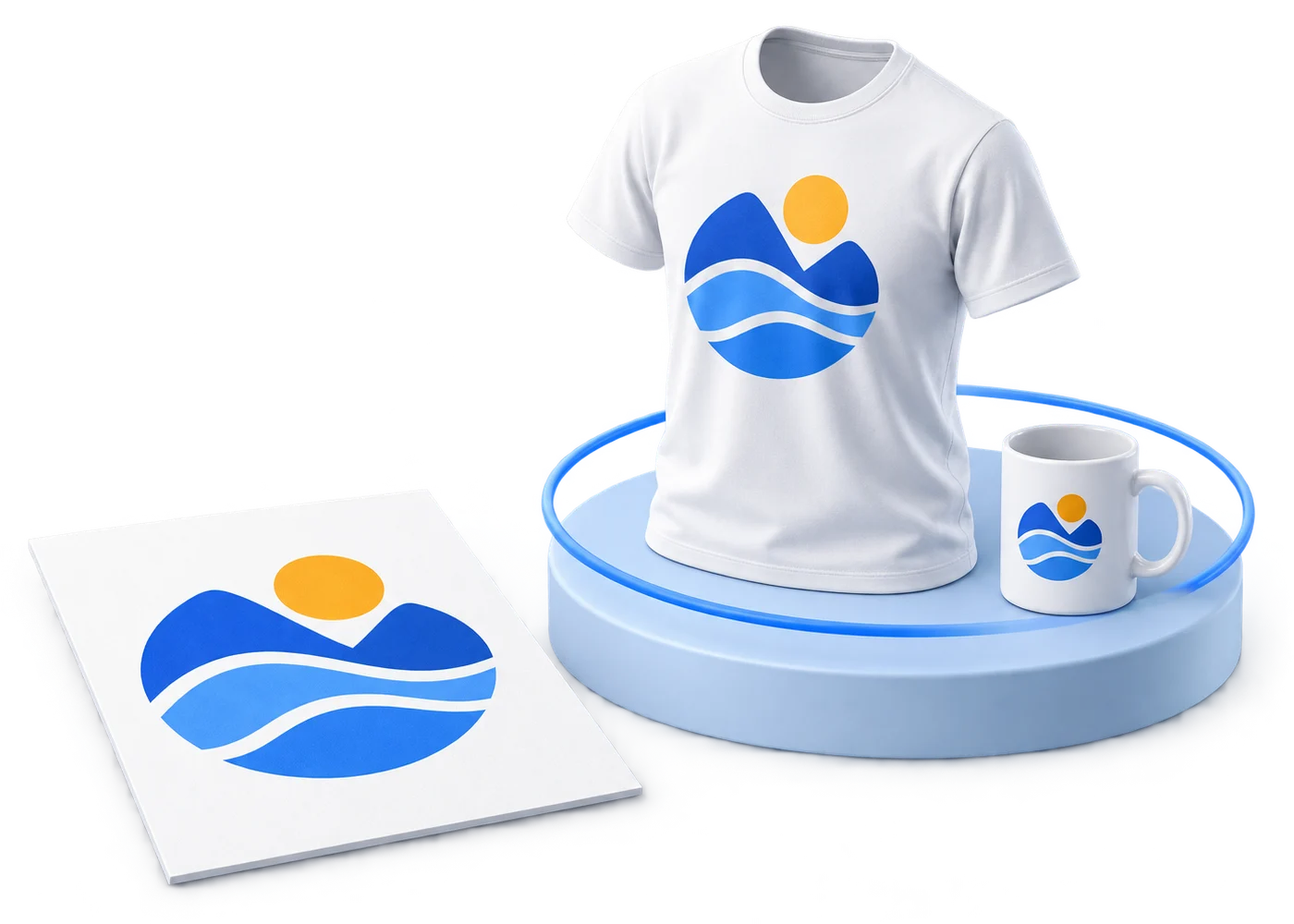
Show the customer exactly what they’re buying.
Put their artwork on the product, turn it around in 3D, and send the finished design for approval right from the job.
14-day free trial. No credit card required.
Build the proof
Everything they need to approve, on one page.
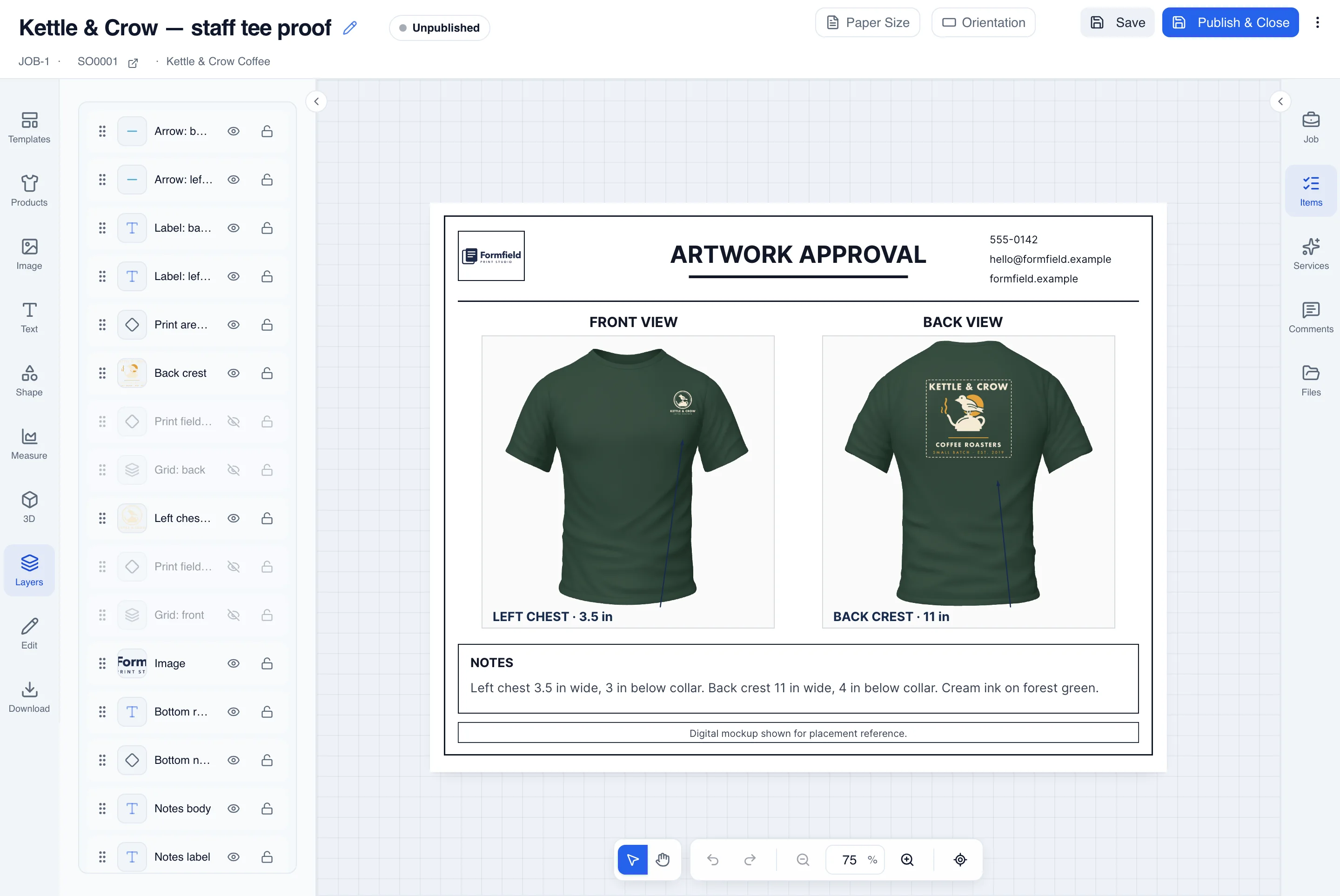
Start with the product, drop in the customer’s artwork, and add the details that usually take three emails: size, placement, and your notes, under your own logo.
Front, back, and detail views
Show each print location on the same page, so the customer approves the whole item at once.
The product they ordered
Search the product catalogs you’ve enabled and add the actual item to the proof.
Artwork, text, and shapes
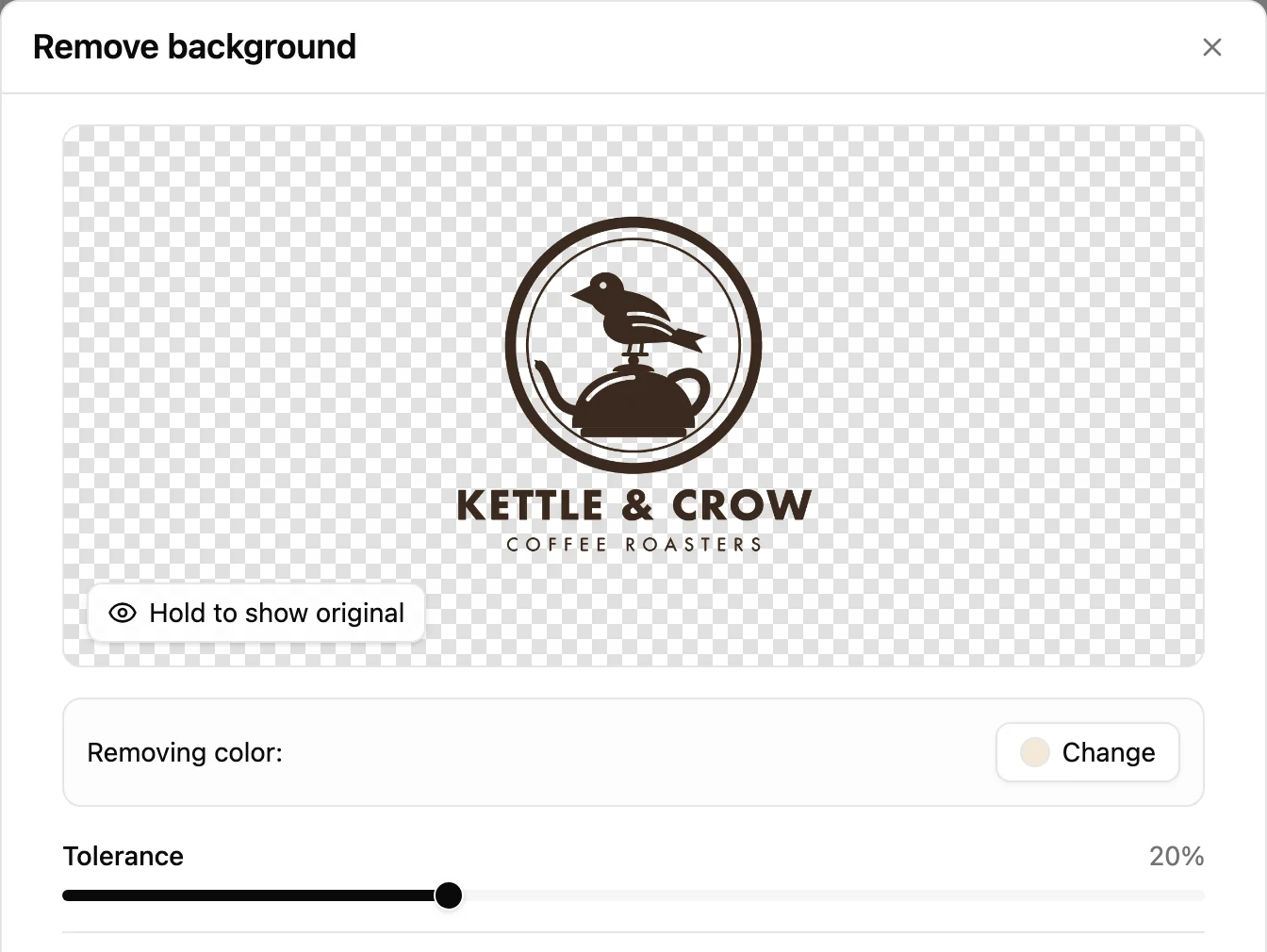
Place the customer’s files, remove logo backgrounds, and label every detail that matters.
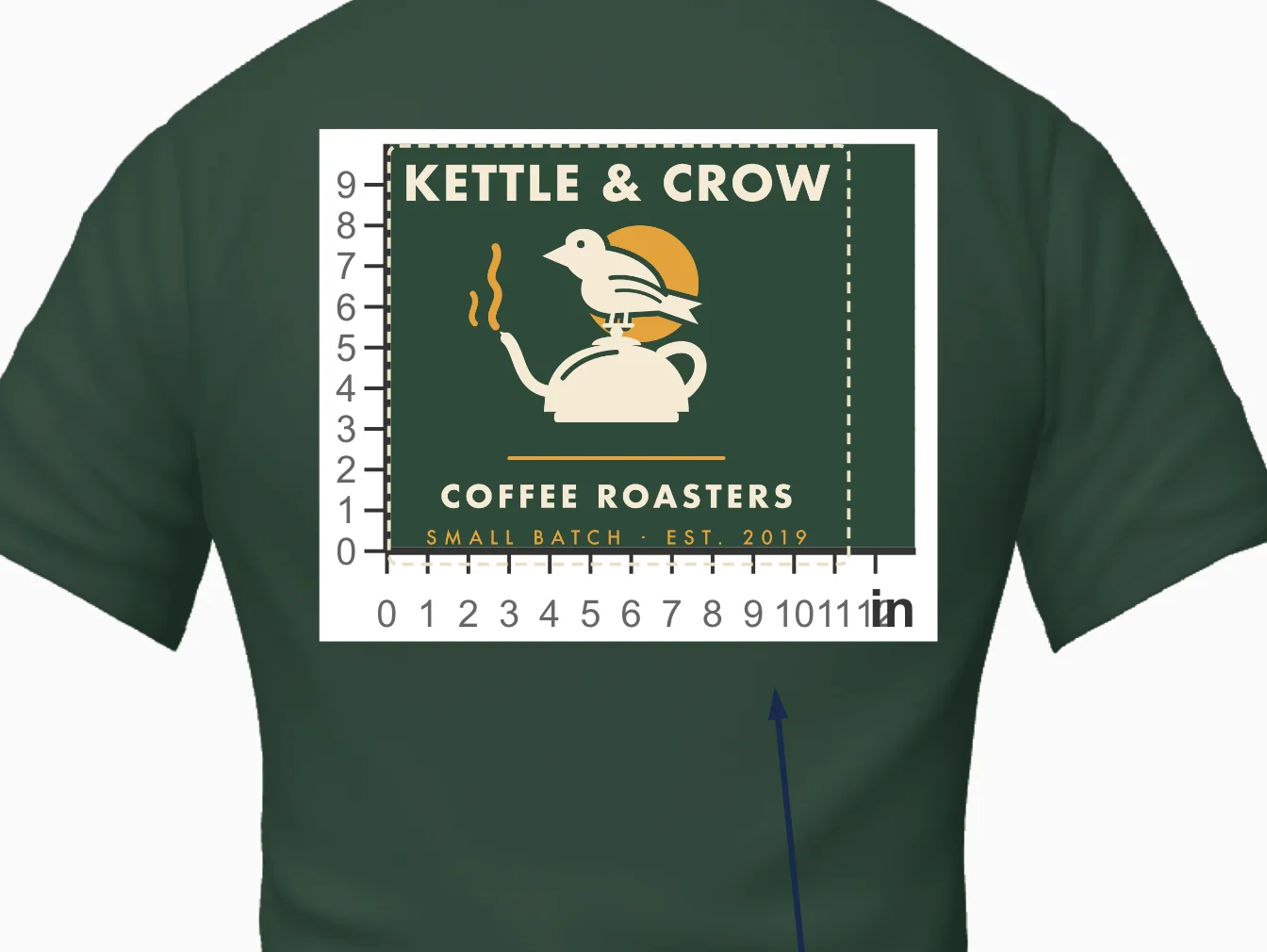
Measurement cues
Mark print widths and placement so nobody has to guess the size.
3D preview
Let them turn it around.
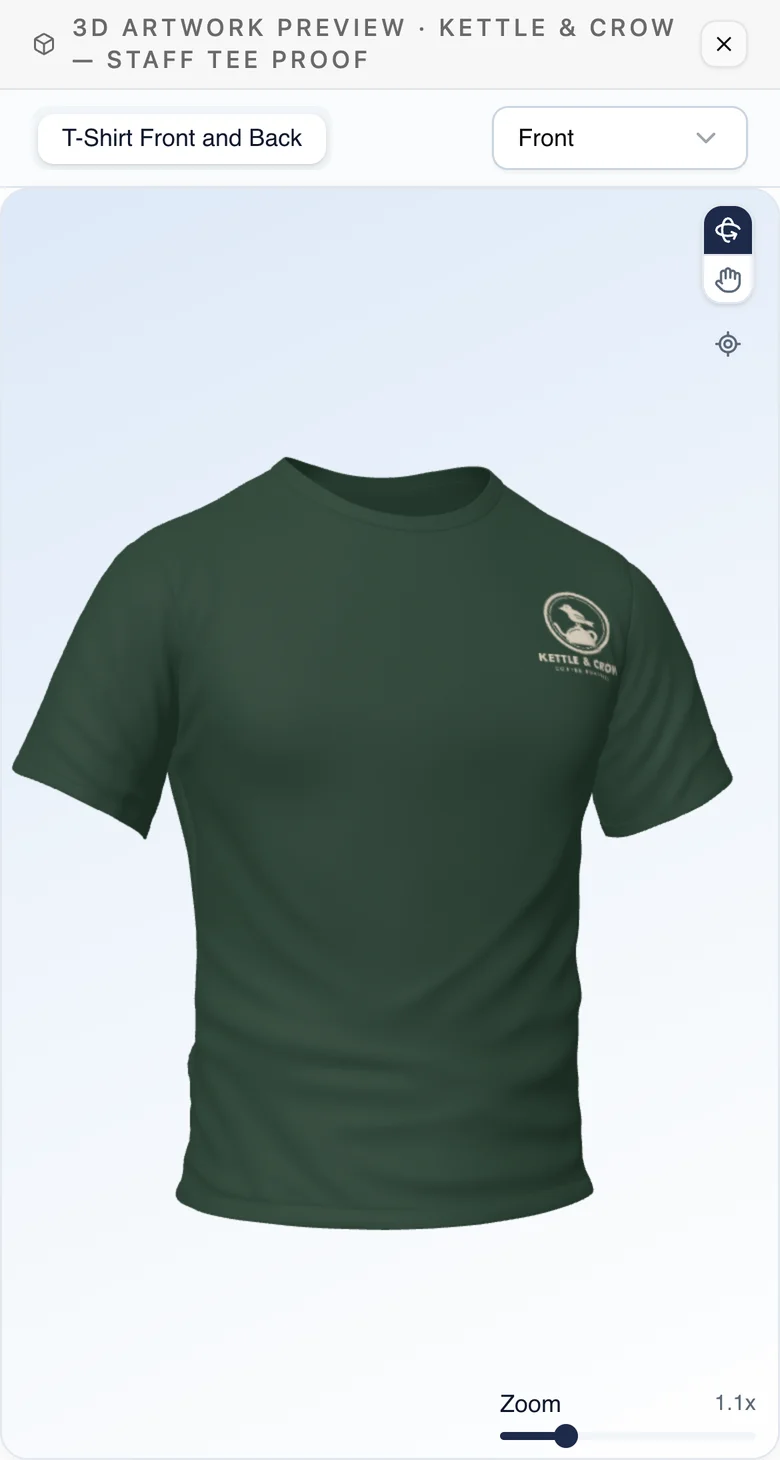
When a flat proof isn’t enough, add a 3D view. Select the model, set its color and material, and place front and back views right on the proof.
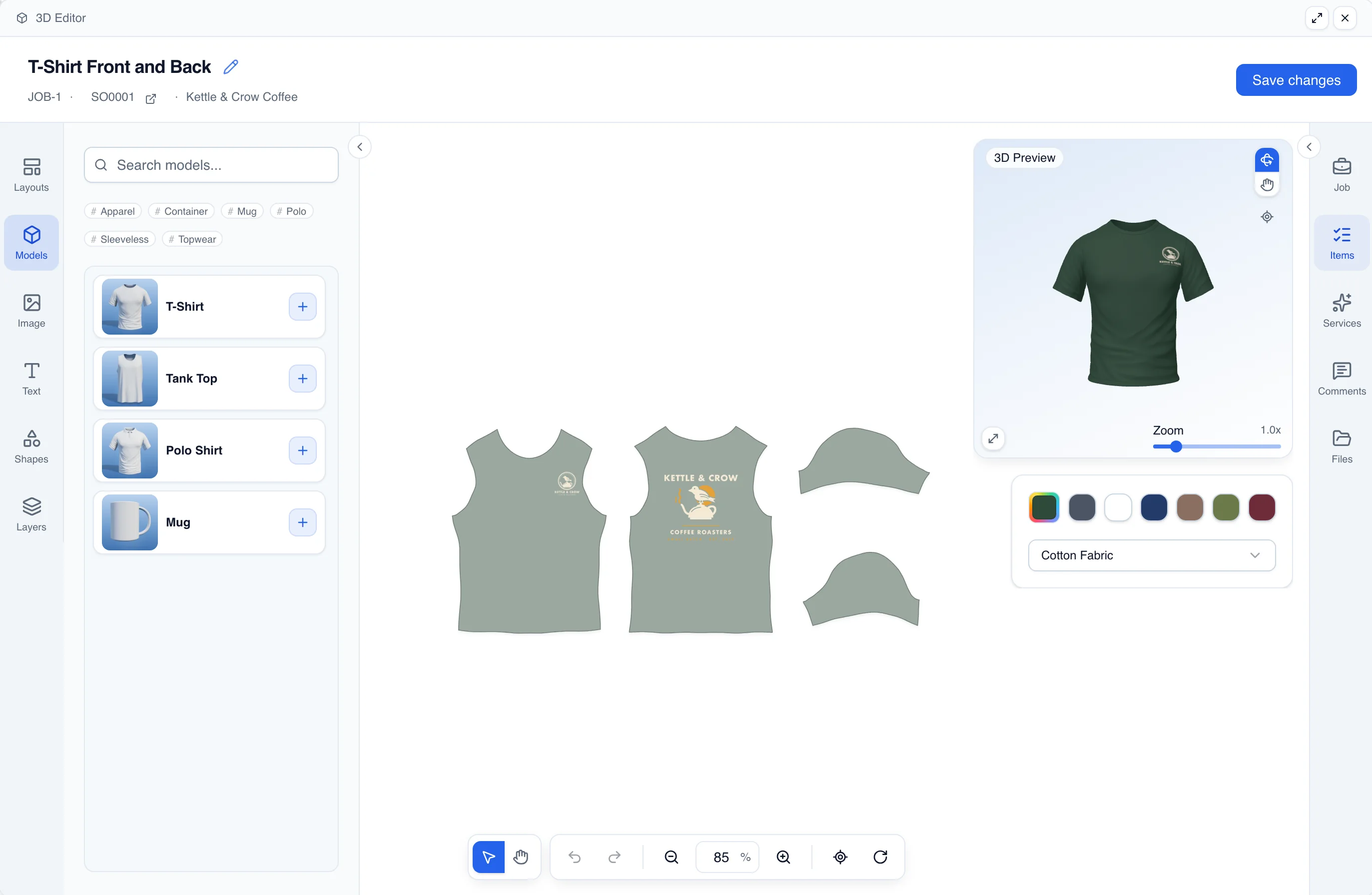
The 3D catalogue
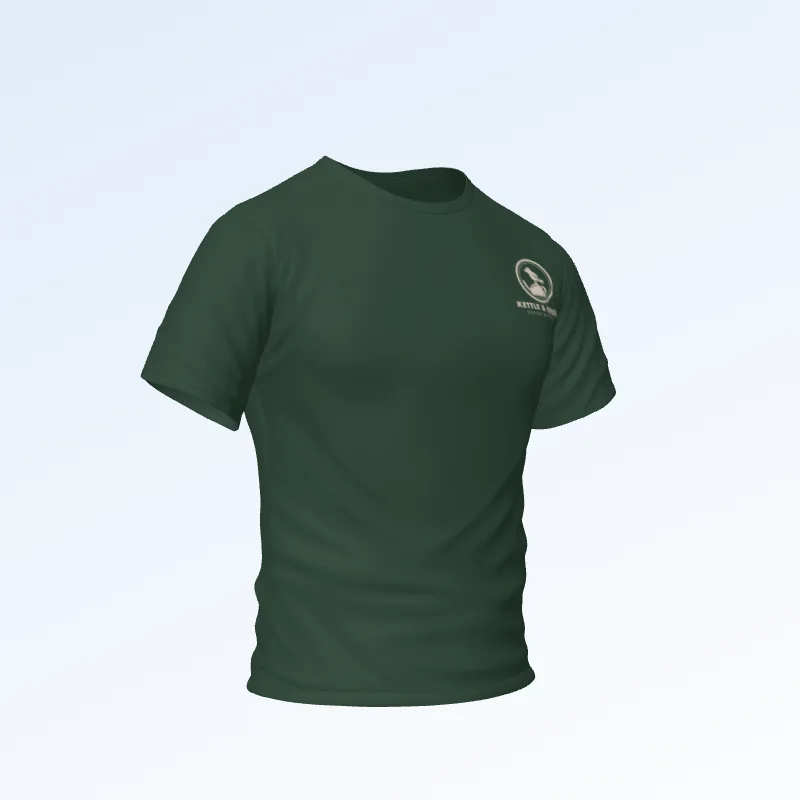
T-Shirt 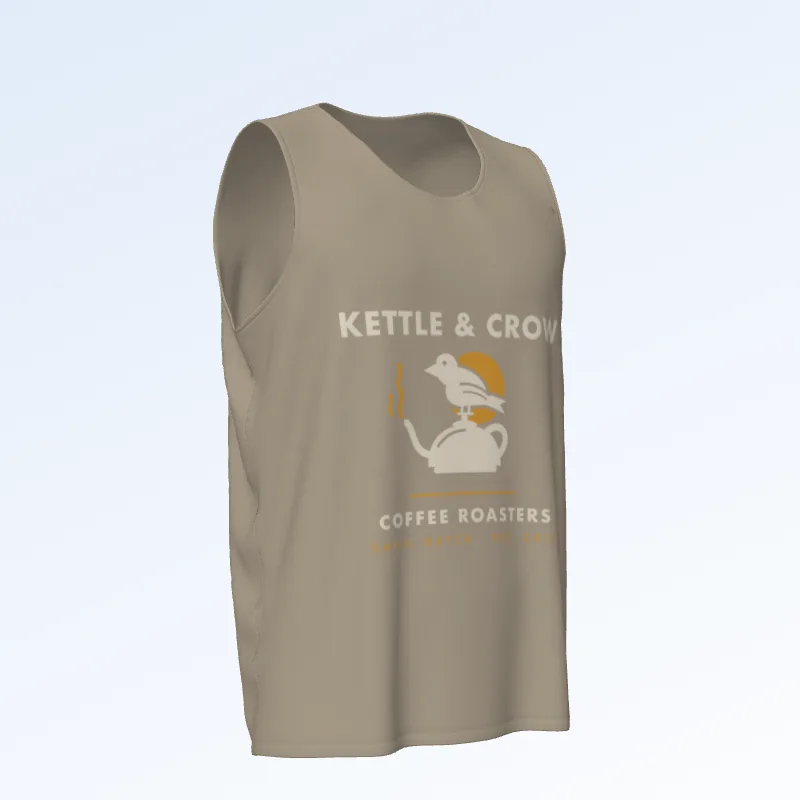
Tank Top 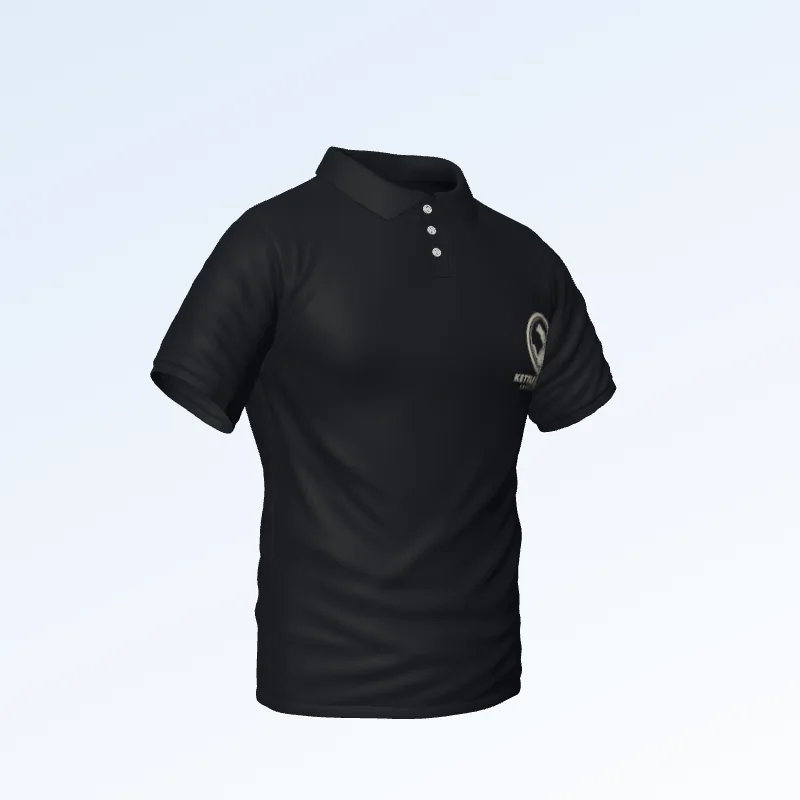
Polo Shirt 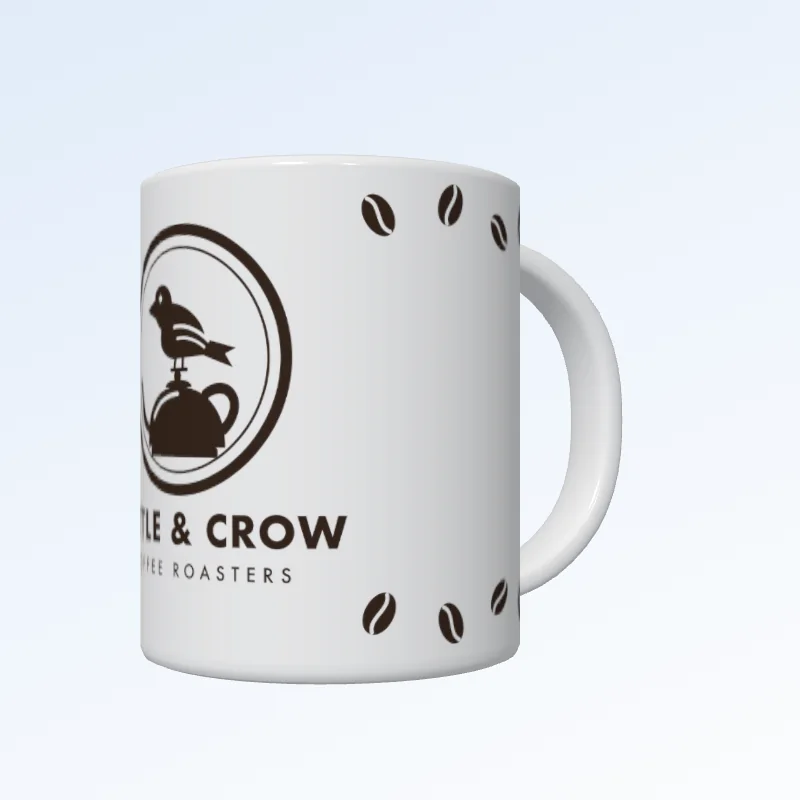
Mug
Templates
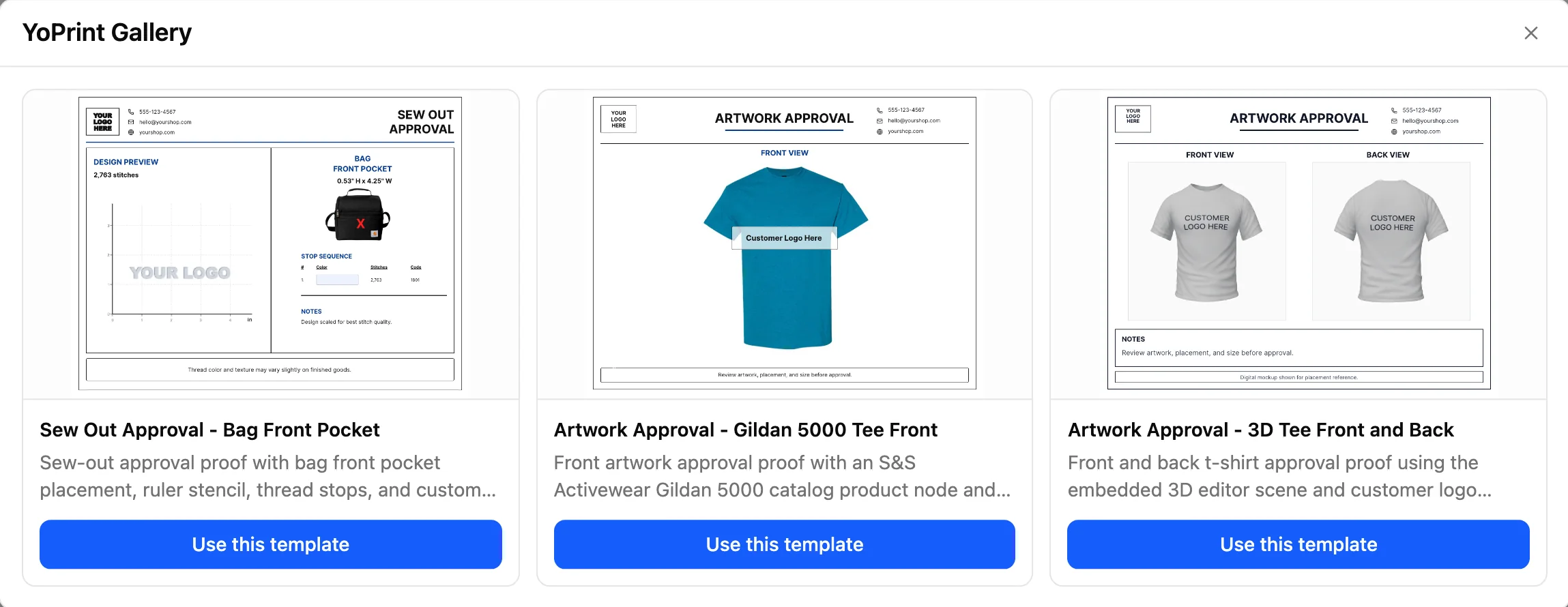
Start every proof from a layout you trust.
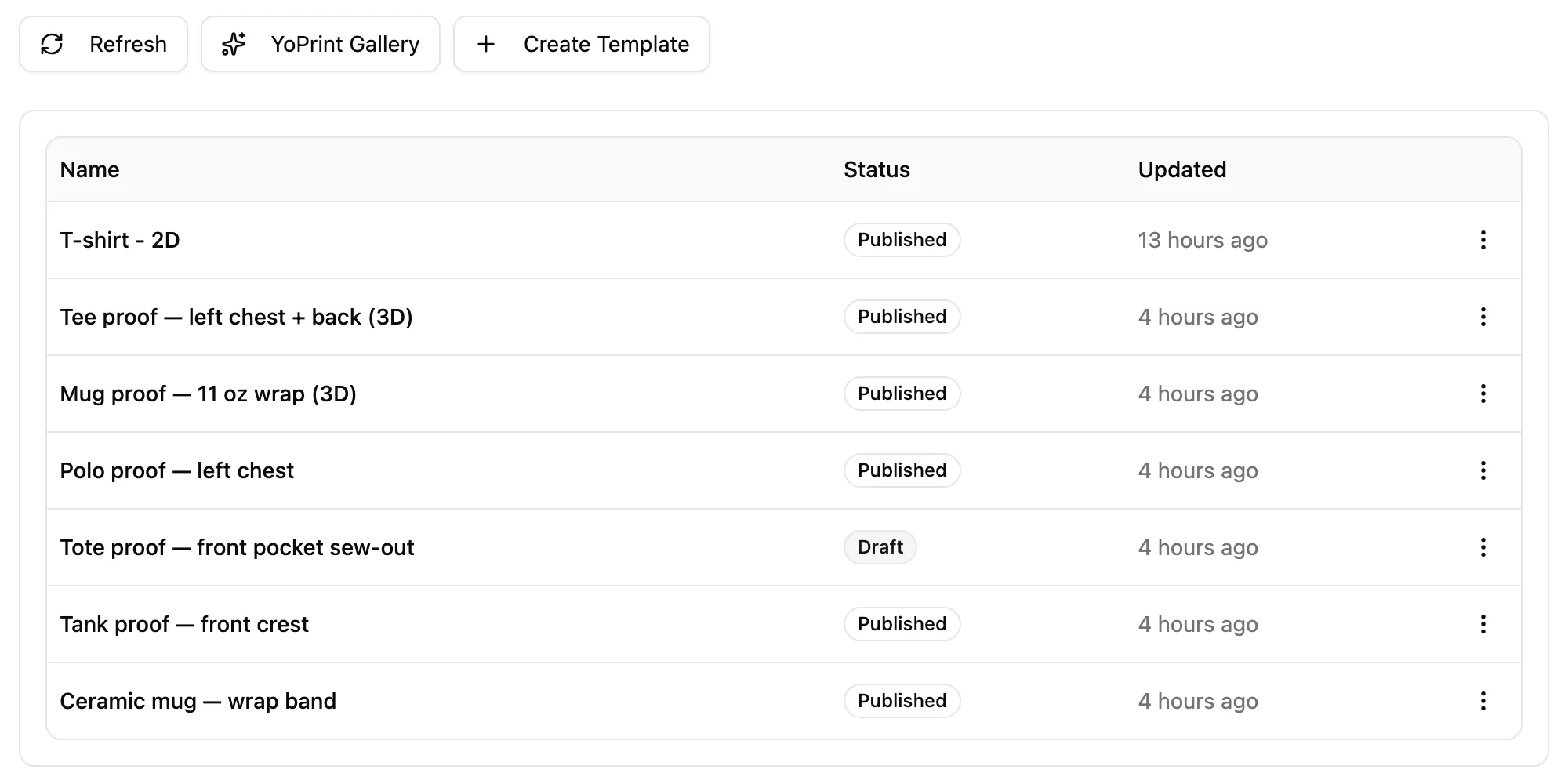
Keep your shop’s proof layouts in one library. Open one on the job, swap in the artwork, and the proof is most of the way there.
Save a design you like from any job as a new template. Keep a template in draft until it’s ready, then publish it for the team.
On the job
Every mockup stays with the job it’s for.
Designs are saved on the job and stay editable, so anyone on the team can reopen one, adjust it, and publish it again. No folders, no lost attachments.

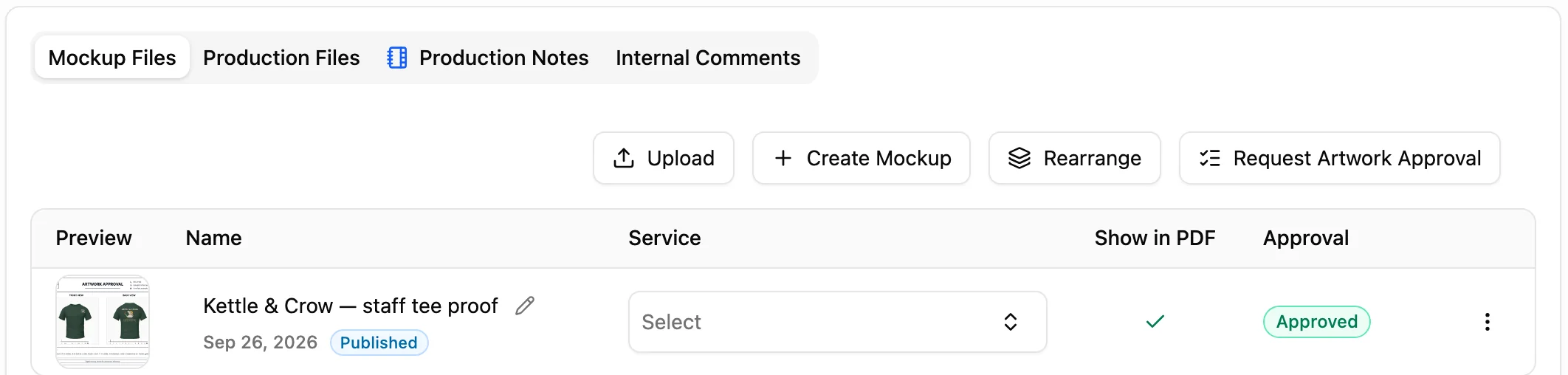
- Draft until you publishWork on a design as long as it takes. Only published designs can go to the customer for approval.
- Choose what goes on the PDFChoose which mockups print on the job PDF, and keep the rest on the job for reference.
- Approved stays approvedEditing an approved design saves a new draft. The version the customer signed off never changes.
Customer approval
Send it once. Get a clear yes.
Request approval right from the job. Your customer opens the proof in their portal, on a laptop or phone, and tells you yes or what to change.
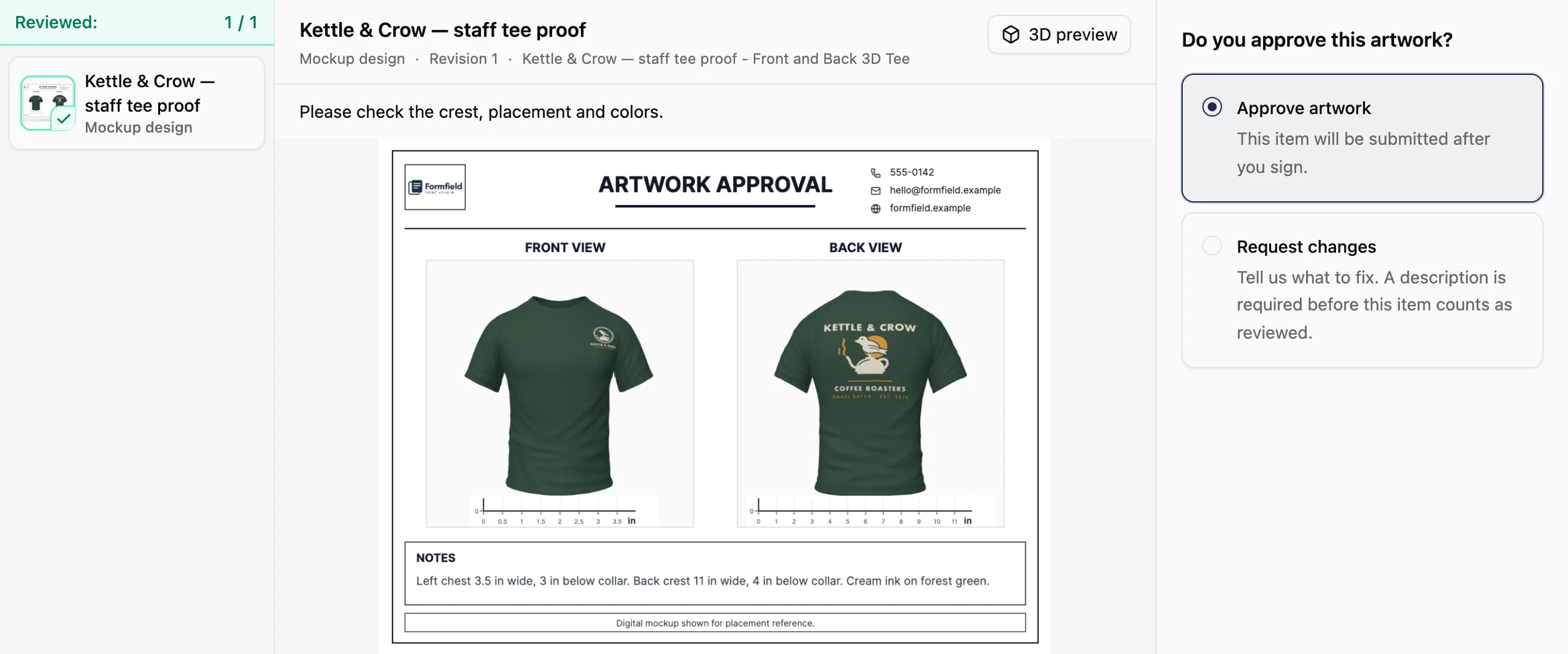
They review the exact version you published, page by page.
They can rotate, pan, and zoom the 3D mockup themselves.
They approve or request changes with a comment, add their signature, and the answer lands on the job.
- Businesses
- 500+
- Invoices Created
- 400K+
- Payments Processed
- $650M+
Make the next proof the easy one.
Try YoPrint free for 14 days, no credit card required.